

Tech support and IT help in Schaumburg and Des Plaines
Not everything is a repair: sometimes you need someone to set up the new computer with you, or work out why the printer stopped printing. Walk into our Schaumburg or Des Plaines store for one-on-one help at your pace, or call to ask whether a remote session can sort it out. We also support small offices that have no IT staff, on equipment brought into the store or by remote session.
- Walk in, no appointment
- Quote before any work starts
- Diagnostic fee goes toward the repair
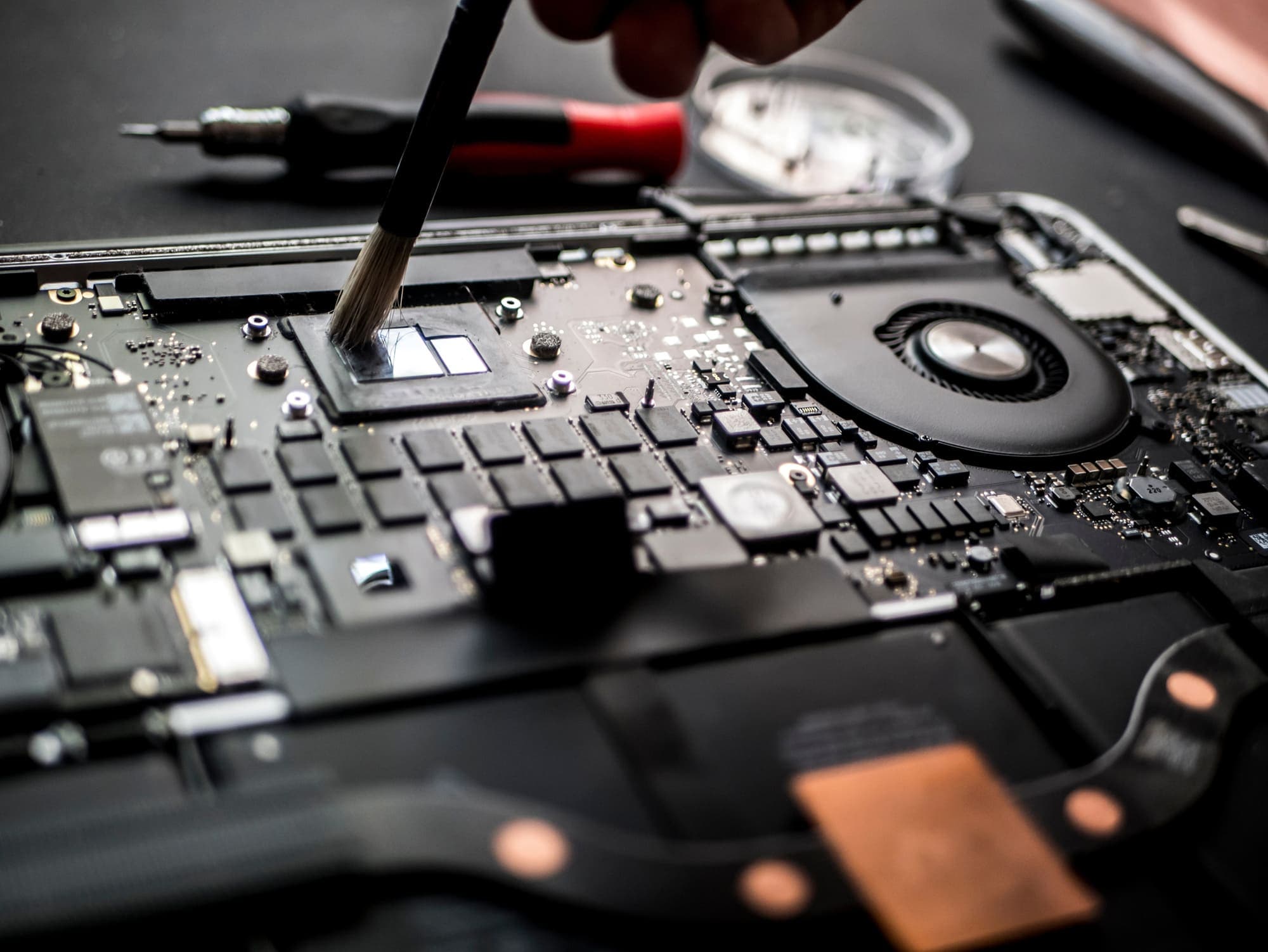
In store
- New computer setup
- Moving files and photos from an old computer
- Email setup and email problems
- Printer setup
- Wi-Fi connection problems
- Passwords and account sign-ins
- Phone setup
By remote session
- Error messages and programs that won't open
- Pop-ups and malware on a computer that still works
- Software, email and printer setup
- Secure screen-sharing sessions you watch and can end
For small offices
- Workstation setup
- Network and Wi-Fi troubleshooting
- Printer and driver problems
- Server troubleshooting
- Backup setup
- Ransomware recovery
Problems we can help with
These are not a broken part, but they still stop you from using the computer or phone. Bring any of them to either store, or call about them:
- A new computer is still in the box and the old one has all your files on it.
- Email stopped arriving on your phone or computer after a password change.
- The printer says it is offline, or it prints from one computer but not the other.
- The computer won't connect to Wi-Fi, though your other devices do.
- You can't sign in to your email or Apple ID, and the password reset isn't working.
- A new phone needs your contacts and photos from the old one.
- A pop-up says the computer is locked and gives you a number to call. Don't call it: see virus and malware removal for what to do and how either store removes it.
In-person tech help at either store
Walk into the Schaumburg store or the Des Plaines store, Monday to Friday, 11 AM to 6 PM. No appointment is needed. A technician works through it with you, one on one, at your pace.
Bring the device and its charger. If you are setting up a new computer, bring the old one too, so your files can be moved across.
Computer help for seniors in Schaumburg and Des Plaines
If you would rather have someone show you in person than follow instructions on a screen, bring the device to either store. We can set up the new laptop, move the photos off the old phone, get email working again, or get the printer printing.
We don't make house calls. Bring it to Schaumburg or Des Plaines, or call to ask about a remote session.
Getting there: the Schaumburg store is in Algonquin Plaza at 831 E Algonquin Rd, with a parking lot on site and a wheelchair accessible entrance and parking. The Des Plaines store at 1635 E Oakton St has on-site parking.
Remote computer support
A remote session needs two things: a computer that turns on, and a working internet connection. With those, a technician can deal with many software problems without you bringing the computer in, such as error messages, pop-ups and malware, or setting up a program, email or a printer. It runs as a secure screen-sharing session. You see every click on your own screen, and you can close the connection whenever you want.
Hardware is different: a computer that won't start, a cracked screen or a dead battery has to come into the store as a repair.
- Call and describe what the computer is doing.
- We tell you whether it suits a remote session or needs to come in.
- We guide you through opening the connection on your computer.
- You watch the work on your screen and can close the connection at any time.
Small-business IT support in Schaumburg and Des Plaines
If your office has no IT staff of its own, call or bring the equipment to either store. The work is done in the store on equipment you bring in, or by remote session, and you get a quote before any work starts.
A workstation that won't start or needs new parts is handled like any other repair, with the fault found first and a quote before the work.
- New workstations set up, with files moved from the old computer.
- Network and Wi-Fi troubleshooting.
- Printers and print drivers on office computers.
- Servers brought in for troubleshooting.
- Backups set up for office computers.
- After ransomware, start with virus and malware removal.
Devices we help with
- Windows laptops and desktops
- MacBook Air and MacBook Pro
- iPhone, Samsung Galaxy, Google Pixel and other Android phones
- Home and office printers and Wi-Fi: setup and connection problems
How a help visit works
Walk in at either store during opening hours. Before any work starts, we tell you what it costs. We don't list prices, because the cost depends on the job.
Call Schaumburg at 847-348-0264 or Des Plaines at 847-585-2355. If something is broken, you can also request a repair online and get a quote by reply, by text or email.
When it turns out to be a repair
Sometimes a help visit turns up a hardware fault. A cracked screen, a battery that won't hold a charge or a computer that won't start moves to the repair side of the same store. We find the real fault first and tell you what it costs before any work starts. There is a diagnostic fee, and it goes toward the repair.
- Windows laptops: laptop repair
- Desktops and gaming PCs: PC and desktop repair
- MacBooks: MacBook repair
- iPhones: iPhone repair
- Samsung, Pixel and other Android phones: Samsung and Android phone repair
- iPads and tablets: iPad and tablet repair
- Files on a drive that has failed: data recovery
Common questions
- Do you make house calls?
- No. All of our work is done in store or remotely. Bring the device in to Schaumburg, Des Plaines or Lake Zurich during store hours, or call and we can often sort it out with a remote session.
- Do I need an appointment?
- No. Walk in at either store, Monday to Friday, 11 AM to 6 PM.
- Is there a charge to look at it?
- There's a diagnostic fee, and it goes toward the repair. For setup or help where nothing needs repairing, we tell you what it costs before we start.
- Can you help with my phone too?
- Yes. Phone setup, moving photos and contacts from an old phone, and email on iPhone and Android phones. Cracked screens, batteries and charging ports are repairs, done at the same stores.
- Do you work with small businesses?
- Yes. Workstation setup, network and Wi-Fi troubleshooting, printers, servers, backups and ransomware recovery for local businesses. Bring the equipment to either store, or ask about a remote session when you call.
Our store locations
Lake Zurich Computer Services & RepairLake Zurich, IL
584 W State Rte 22Lake Zurich, IL 60047847-381-7960
- Mon – Fri: 9am – 5pm
- Sat: 9am – 2pm

Walk in, call, or request a repair
No appointment needed. We will look at your device and give you an honest quote before any work starts.