
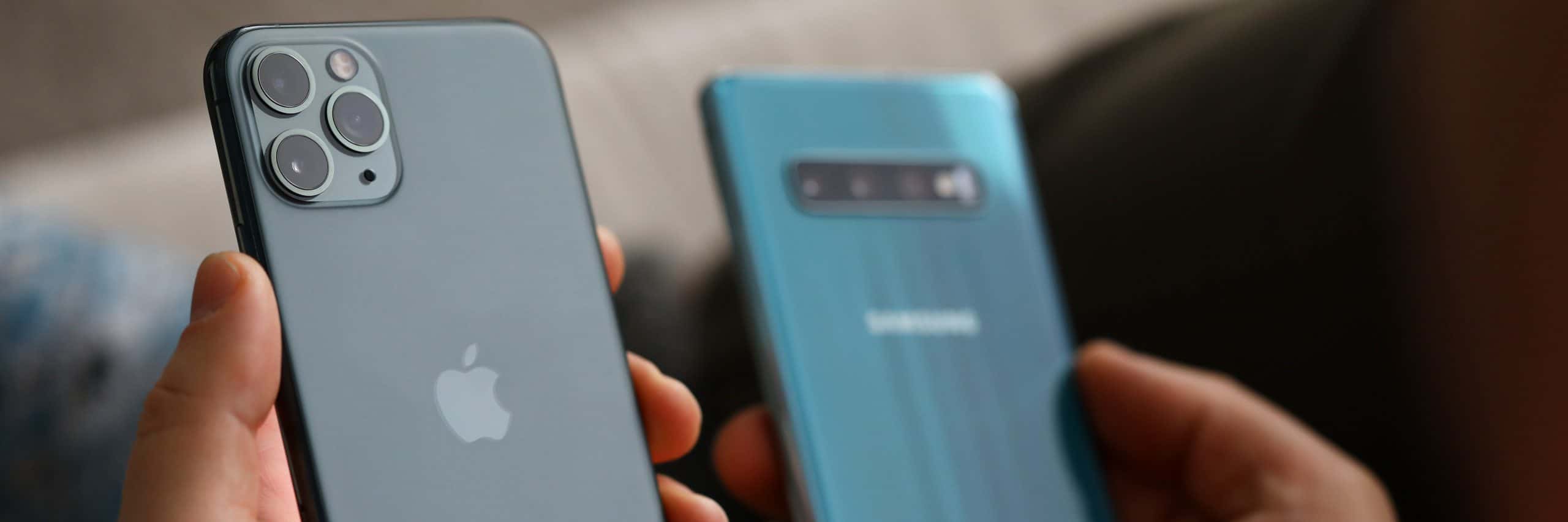
Samsung, Pixel and Android phone repair in Schaumburg and Des Plaines
Cracked screens, tired batteries, loose USB-C ports and water damage on Samsung Galaxy, Google Pixel, Motorola and OnePlus phones, fixed in store in Schaumburg and Des Plaines. Walk in Monday to Friday, 11 AM to 6 PM, no appointment. At Des Plaines, most Galaxy and Pixel screen and battery jobs are done while you wait.
- Walk in, no appointment
- Quote before any work starts
- Diagnostic fee goes toward the repair
- 90-day warranty on repairs
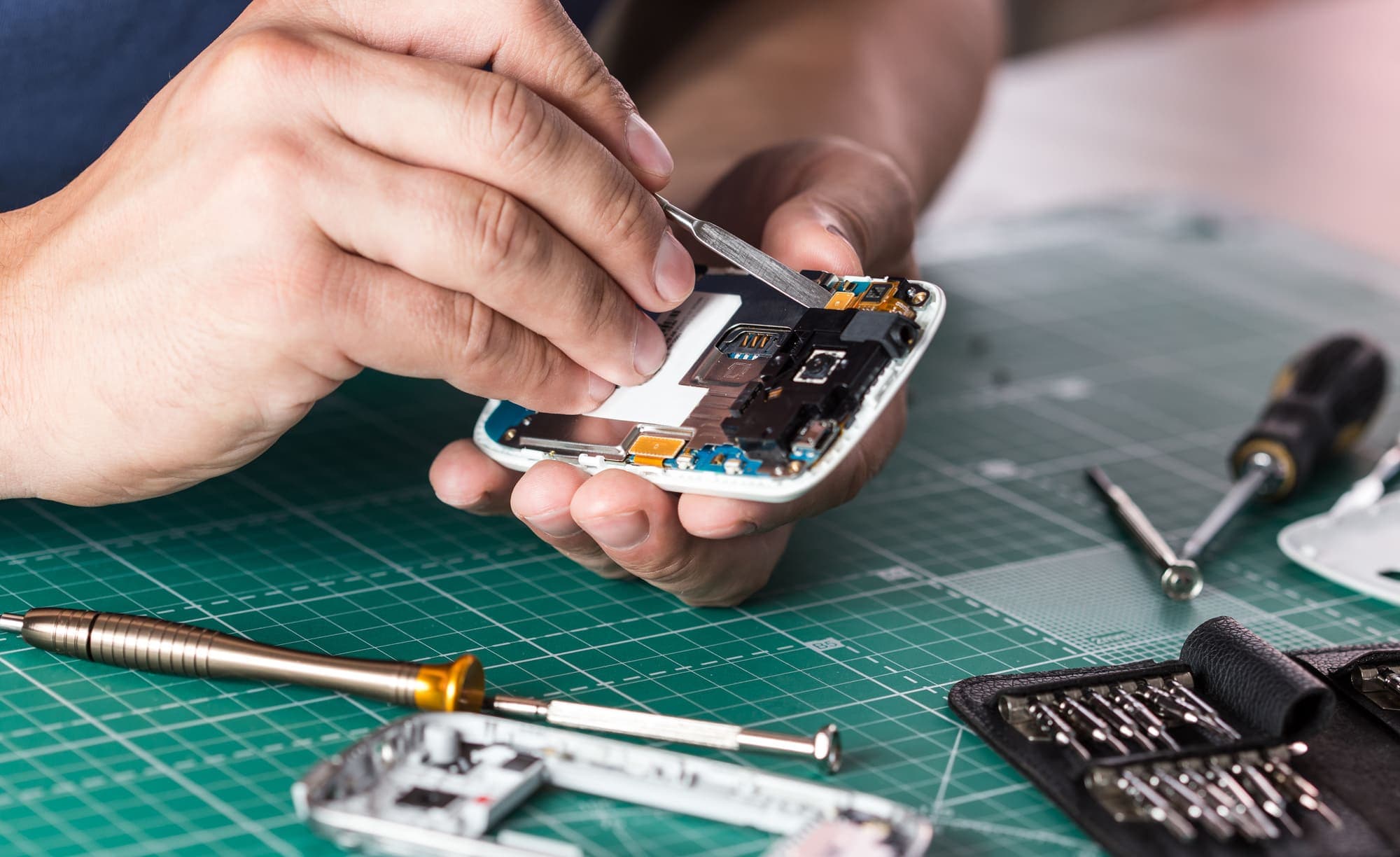
Samsung and Android repairs we do in store
- Cracked screen and display replacement
- Battery replacement
- USB-C charging port repair
- Water damage repair*
Phones we repair
- Samsung Galaxy repair
- Google Pixel repair
- Motorola phone repair
- OnePlus phone repair
- Other Android phones
*Water damage repairs are not guaranteed. Corrosion and other factors outside our control can affect how long the repair lasts.
Samsung Galaxy and Pixel screen replacement
Most Galaxy and Pixel phones have an OLED screen, where the glass, the touch layer and the display are bonded into one part. That is why a crack in the glass so often comes with display faults. Each model takes its own screen part, so we check the phone and give you the cost for that part before starting.
Until it is fixed, clear tape over the broken corner holds loose glass in place. A screen that lifts away from the frame or bulges in the middle is a different fault, usually a swelling battery underneath: see battery replacement below.
Signs the display under the glass is damaged, not just the glass:
- Lines across the screen, including the thin green or pink line some Galaxy screens develop without being dropped
- Black or purple patches that spread out from a crack
- A display that stays dark while calls and notifications still come through
- Touch that stops working in one area, or taps and swipes by itself
- Flickering
- A faint outline of the keyboard or status bar that never goes away (burn-in)
How long a Samsung or Pixel repair takes
At our Des Plaines store on Oakton Street, most screen and battery jobs on Samsung Galaxy and Google Pixel phones are done while you wait.
For a Galaxy or Pixel at our Schaumburg store in Algonquin Plaza, or a Motorola or OnePlus at either store, call before you set off and ask how long your model will take: Schaumburg 847-348-0264, Des Plaines 847-585-2355. Both stores close at 6 PM.
Samsung and Android battery replacement
A worn battery shows up as a phone that no longer lasts the afternoon, drops from 20 percent straight to off, runs hot on the charger, or restarts on its own. On a Galaxy, the Samsung Members app can run a battery check from its diagnostics section. Newer Pixel models show battery health in Settings, under Battery.
Swelling is the one to act on straight away. The battery pushes the back panel or the screen outward, so you see a gap along the edge or the phone rocks when you lay it flat. Keep it off the charger, don't press the panel back into place, and bring it in.
On many Galaxy phones the battery sits under a glued back panel, and on many Pixel phones it is reached by taking the screen off. Either way, the phone has to be opened.
USB-C charging port repair and the moisture warning
Signs the USB-C port is the problem: the plug wobbles or charges only when held at an angle; with the charger you always use, a Galaxy's lock screen no longer says "Fast charging", or a Pixel says "Charging slowly"; Android Auto or a computer keeps dropping the connection.
Rule out the cable and the charger before the port. Super fast charging on a Galaxy needs a USB PD charger that supports PPS, so an older adapter charges slowly even with a healthy port. Then shine a flashlight into the port: lint packed in at the back is common and keeps the plug from seating. Don't dig at it with a pin or anything metal, because the contacts bend easily.
Samsung Galaxy phones stop wired charging and show "Moisture has been detected" when they sense liquid in the port. If the phone did get wet, leave the cable out and let the port dry by itself, with no hair dryer and no forcing it to charge. If the warning keeps coming back on a phone that has been dry for a day or more, the port may be dirty, corroded or damaged, and that is a repair.
On many Galaxy phones the USB-C port sits on a small separate board at the bottom of the phone, often together with the main microphone. If people on calls have also started asking you to repeat yourself, mention it when you bring the phone in.
Water damage on an Android phone: what to do first
An IP67 or IP68 rating describes a new phone tested in a lab. Seals age, and a drop can open a gap you never see, so a Galaxy or Pixel that survived a splash last year may not survive the next one. Corrosion can also keep working inside a phone after it has been dried and repaired, which is why water damage repairs are not guaranteed.
If the phone will not come back and what matters is the photos and contacts, recovering files from water-damaged devices is part of our data recovery service.
If your Galaxy or Pixel got wet, in this order:
- Power it off. On most recent Galaxy phones, press the side key and Volume down together, or swipe down twice from the top and tap the power icon. On a recent Pixel, press the power button and Volume up together.
- Take the case off and wipe the outside dry with a soft cloth.
- Don't charge it, by cable or on a wireless pad, and don't switch it on to test it.
- No heat and no rice. A hair dryer can damage the screen and the battery, and rice leaves starch dust in the port without drying the inside.
- Bring it in quickly, to whichever store is closer, and tell us what it got wet with: salt water, pool water and sugary drinks do more damage than tap water.
Before a screen repair: are your photos backed up?
If the screen is smashed but the phone still rings or buzzes, the photos are usually still on it. Check whether they are already backed up: open photos.google.com on a computer and sign in with the phone's Google account, or check the cloud account your Galaxy's Gallery syncs to.
If they are not, back the phone up as soon as the new screen is in. For a phone that will not turn on at all, start with our data recovery page.
How a Samsung or Android repair works here
A Galaxy that won't charge can be the port, the cable, the charger or the battery, and a black screen can be the display or a phone that is not starting at all. We work out which one it is before we quote.
There is nothing to book: bring the phone to Des Plaines or Schaumburg during store hours. If you would rather know the cost first, send a repair request with the model and what is wrong; the free quote comes back by text or email.
- We find the real fault first.
- You get a diagnosis and a quote back the same business day, before any work starts.
- There is a diagnostic fee, and it goes toward the repair.
- If you say yes, we start the repair.
Before you bring it in
Find the exact model first. On a Galaxy, Pixel or Motorola phone it is under Settings > About phone, and on a OnePlus under Settings > About device. Put it in your repair request, so the quote we send back is for that exact model.
If the phone still works, back it up. On a Galaxy, Settings > Accounts and backup offers both Samsung Cloud and Google Drive backups, and Samsung Smart Switch can copy the phone to a Windows PC or a Mac. On a Pixel, use Settings > System > Backup. If it won't charge, bring the charger and the cable you use with it.
Moving to a new phone instead of repairing this one? Smart Switch copies contacts, messages, photos and most apps to a new Galaxy by cable or over Wi-Fi, and a new Pixel offers to copy from the old phone during setup. For a hand with it at the counter, phone setup is part of our tech support and computer help.
For an iPhone, see iPhone repair. For a Galaxy Tab or another tablet, see iPad and tablet repair.
Common questions
- Do you fix Samsung and Pixel phones at both stores?
- Yes. Walk in to 831 E Algonquin Rd, Schaumburg, IL 60173 (in Algonquin Plaza) or 1635 E Oakton St, Des Plaines, IL 60018, Monday to Friday, 11 AM to 6 PM, no appointment needed. Both have on-site parking. Schaumburg 847-348-0264, Des Plaines 847-585-2355.
- How long does a Galaxy or Pixel screen replacement take?
- At Des Plaines, most Galaxy and Pixel screen jobs are done while you wait. At Schaumburg, call 847-348-0264 and ask how long your model will take.
- How much does it cost to fix a Samsung screen?
- It depends mostly on the model: a Galaxy S, a Galaxy A and a Pixel each take a different screen part. There are two ways to find out. Put the exact model in an online repair request and we reply with a quote. Or bring the phone in: we check it and tell you the cost before any work starts, and the diagnostic fee for that check goes toward the repair.
- My Galaxy says "Moisture has been detected" and won't charge. What should I do?
- Unplug it and leave the port to dry by itself. Don't use heat or poke anything into it. If the phone has wireless charging, that usually still works in the meantime. A warning that keeps returning after a full day dry points to a dirty, corroded or damaged port, and that is worth bringing in.
- Is an older Android phone worth fixing?
- It depends on the phone and on what failed. You hear the cost before we start, and then it is your call whether the phone is still worth it to you. It also helps to know whether the phone still gets security updates: Samsung and Google both publish which models are still supported.
- Do your repairs come with a warranty?
- Yes, repairs come with a 90-day warranty. If something goes wrong with the repair within 90 days, bring it back to the store that did the repair. Water damage is the exception: water damage repairs are not guaranteed.
Our store locations
Lake Zurich Computer Services & RepairLake Zurich, IL
584 W State Rte 22Lake Zurich, IL 60047847-381-7960
- Mon – Fri: 9am – 5pm
- Sat: 9am – 2pm

Walk in, call, or request a repair
No appointment needed. We will look at your device and give you an honest quote before any work starts.