
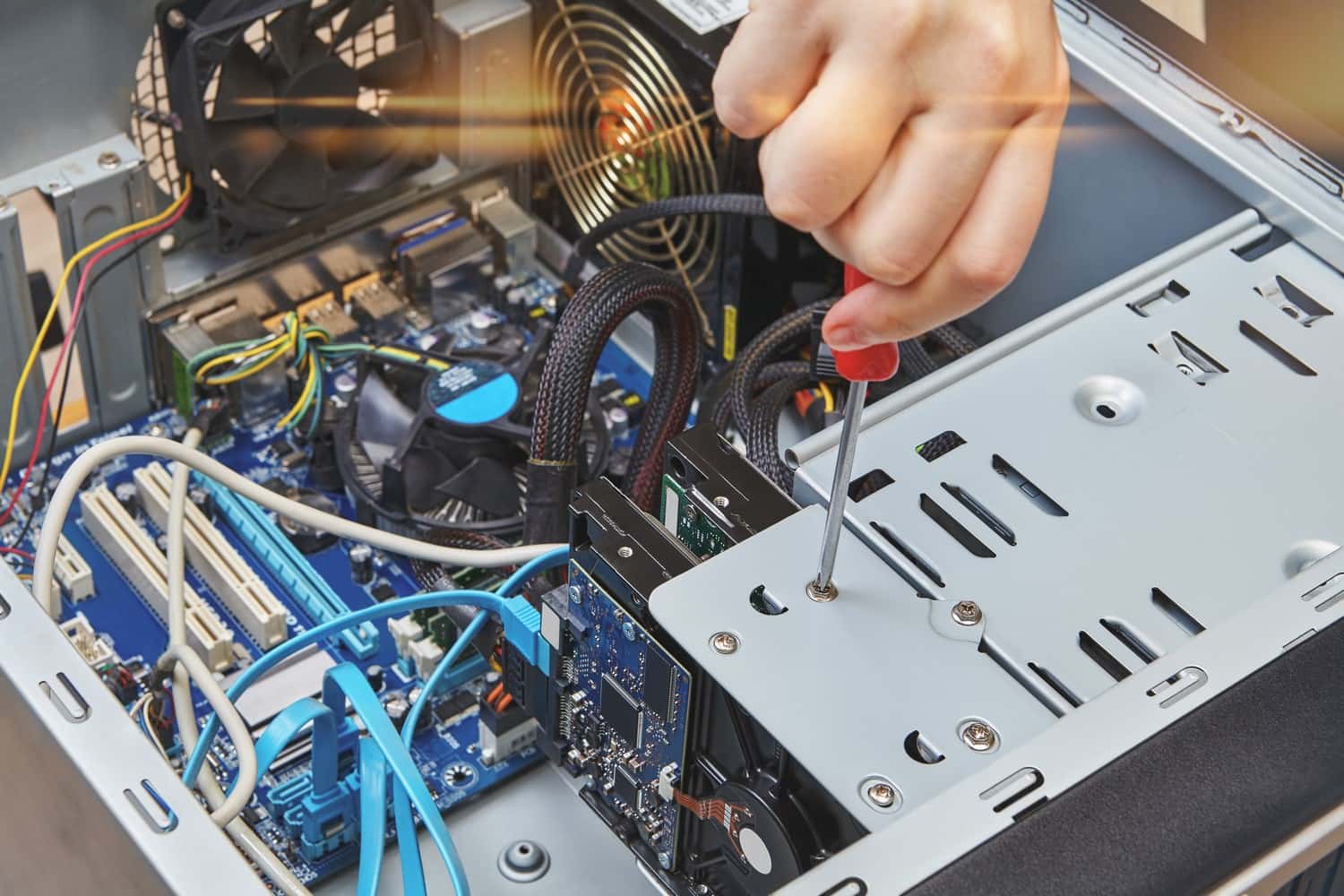
Data recovery in Schaumburg and Des Plaines
Photos, documents, tax files, a small business's books. If the device that holds them has died, leave it off and bring it to our Schaumburg or Des Plaines store. We find the real fault first and tell you what it costs before any work starts.
- Walk in, no appointment
- Quote before any work starts
- Diagnostic fee goes toward the repair
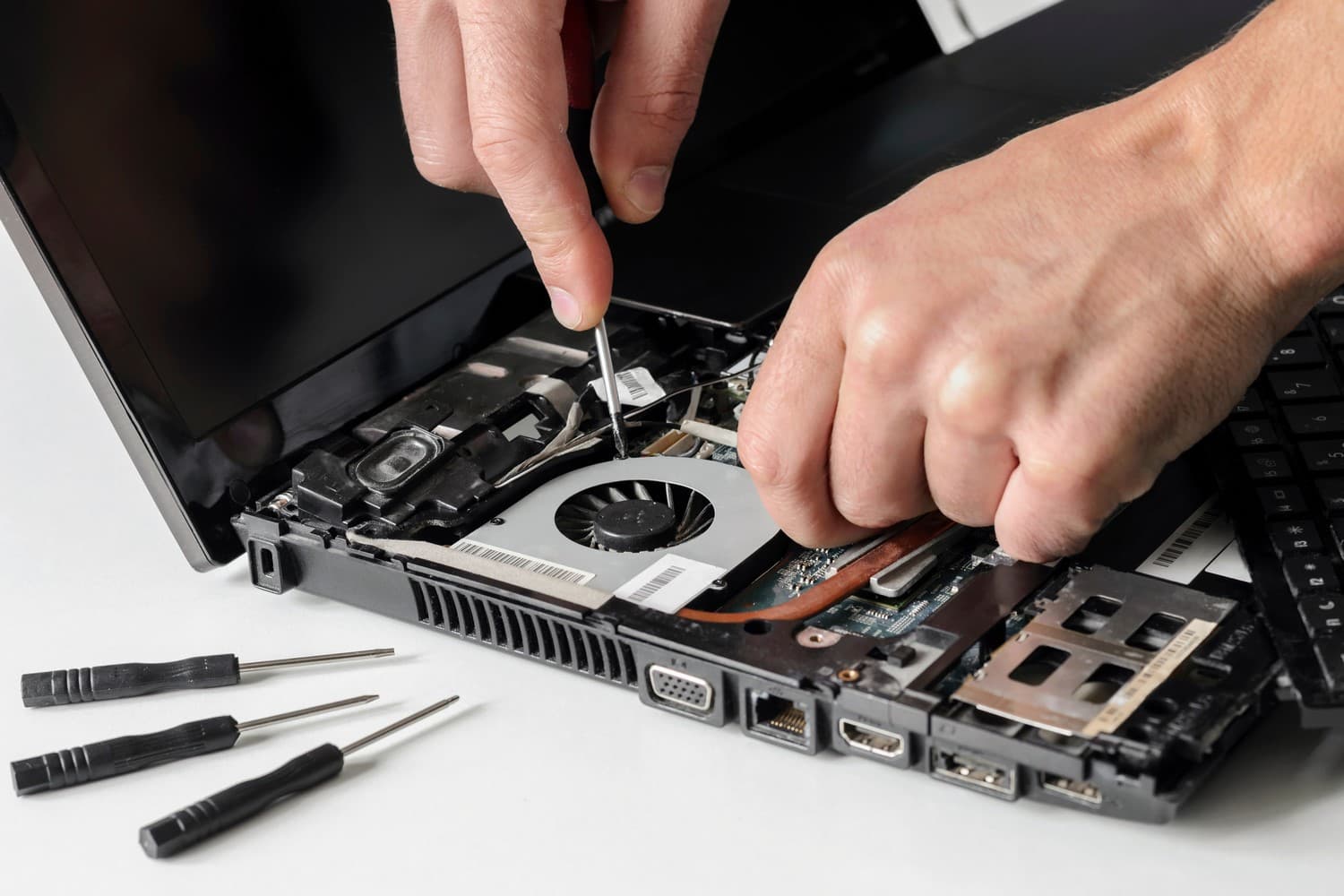
What we recover from
- Hard drives that won't boot
- Laptops and desktops that won't turn on
- MacBook Air and MacBook Pro, including dead logic boards
- Deleted files and folders
- External drives and USB flash drives
- Phones and other devices with water damage*
- Old computers you only need the files from
*Water damage repairs are not guaranteed. Corrosion and other factors outside our control can affect how long the repair lasts.
Stop using the device
The most important thing: turn it off and leave it off. Every minute a failing drive spins, and every file the system writes, lowers the odds. Do not run recovery software from the internet, do not reinstall Windows or macOS, and do not open the drive. Bring it in as it is.
- Power it off and unplug it
- Stop trying to start it
- Do not install recovery programs
- If Windows offers to format the drive, click Cancel
- Do not save anything new to it
Signs a hard drive is failing
Any of these can mean the drive is wearing out. If the files on it matter and you have no other copy, stop using it now instead of waiting for it to fail completely.
- Clicking, grinding or beeping from inside the computer or drive
- Files take minutes to open, or the computer hangs when you open them
- "No bootable device" at startup, or a Mac showing a folder with a question mark
- The drive is missing from File Explorer or Finder
- Windows says the disk needs to be formatted before you can use it
How data recovery works here
We look at the device in store, tell you what we found and what getting the files back would involve, and give you a quote before any work starts. The cost depends on what is wrong and how well the drive still reads, so we don't list a price.
Some drives are physically damaged inside, usually the ones that click or grind. Reading those takes a clean-room lab. If that is what you have, we tell you up front instead of running up hours on it, and help you decide whether the data is worth that route.
- Bring the device to either store, or request a repair online and the store replies by text or email
- We find the fault and give you a quote
- You decide whether to go ahead
Laptop and desktop data recovery: files from a computer that won't start
When a laptop or desktop won't start, the drive inside is often fine. The fault can be the power supply, the motherboard, or a Windows update that broke startup.
Tell us whether you want the computer working again or only need what is on it. For an old machine that isn't worth repairing, the files may be all you need.
For the repair side, see laptop repair and desktop PC repair.
MacBook data recovery: files from a dead MacBook
A MacBook that won't turn on has not necessarily lost its files. On newer MacBook Air and MacBook Pro models the storage is soldered to the logic board, so there is no drive to take out and read on another computer. When the board has failed, getting the files back can mean repairing the board first.
Logic board repair is part of our MacBook repair work. If the MacBook took a spill, shut it down, don't charge it, and bring it in as soon as you can.
Phone data recovery: photos from a phone with a broken screen
A cracked screen, or one that went black after a drop, often leaves the photos untouched. iPhones and current Android phones encrypt their storage, so the phone has to start and be unlocked with your passcode before anything can be copied off. In many cases a new screen is the most direct way back to your photos.
For the screen repair and how long it takes at each store, see iPhone repair and Samsung, Pixel and Android phone repair. Once the phone works again, back it up before anything else.
Water-damaged phones
A phone that went in the water and won't turn on may still hold its photos and contacts, even when the phone itself is not worth fixing. Getting files off water-damaged devices is part of our data recovery work.
Don't charge it, and don't put it in rice. Bring it in the same day if you can.
When it's a different job
If the old computer still works and you only need your files moved to a new one, that is new-computer setup and file transfer, part of tech support and computer help.
Ransomware that has locked your files is handled as virus and malware removal, not data recovery.
Data recovery drop-off in Schaumburg and Des Plaines
Both stores take data recovery jobs, and you can walk in without an appointment.
Can't come in today? Request a repair online and the store you pick replies by text or email.
- Zombie Techs Schaumburg, 831 E Algonquin Rd in Algonquin Plaza, Schaumburg, IL 60173. Phone 847-348-0264
- Zombie Techs Des Plaines, 1635 E Oakton St, Des Plaines, IL 60018. Phone 847-585-2355
- Both open Monday to Friday, 11 AM to 6 PM, closed Saturday and Sunday
- On-site parking at both stores
What to bring
A failing drive may not hold up to many reads, so tell us which folders matter most: a photo library, a tax folder, an accounting file.
- The device, and the charger if it is a laptop
- For an external drive, its cable and power adapter
- A short list of the files and folders you need most
Common questions
- How long does data recovery take?
- Failing drives take longer than working ones, because they have to be read carefully. We give you a time estimate with the quote.
- What if my files can't be recovered?
- We tell you what we found and why. If the drive needs a clean-room lab, we say so before doing any more work.
- Can you recover files I deleted?
- Recovering deleted files and folders is part of the job. On a hard drive, deleted files stay on the disk until something new is written over them, so the less you use it after the delete, the better the chances. SSDs are harder, because most of them clear deleted space on their own. Either way, stop using it and bring it in.
- Can you get photos off a phone that got wet?
- Getting files off water-damaged phones is part of data recovery. The phone has to start and be unlocked with your passcode, so you will need it. If the screen is only cracked, a new screen is usually the most direct way back to your photos.
- Is my data private?
- Yes. We copy only what is needed to get your files back, and the old drive is wiped or returned to you.
Our store locations
Lake Zurich Computer Services & RepairLake Zurich, IL
584 W State Rte 22Lake Zurich, IL 60047847-381-7960
- Mon – Fri: 9am – 5pm
- Sat: 9am – 2pm

Walk in, call, or request a repair
No appointment needed. We will look at your device and give you an honest quote before any work starts.