

iPhone repair in Schaumburg and Des Plaines
Cracked screens, worn batteries, charging ports, cameras, speakers, back glass and water damage, repaired in store at our Schaumburg and Des Plaines shops. Walk in Monday to Friday, 11 AM to 6 PM, no appointment needed. Most iPhone screen replacements take under an hour, while you wait, and you hear the cost before any work starts.
- Walk in, no appointment
- Quote before any work starts
- Diagnostic fee goes toward the repair
- 90-day warranty on repairs
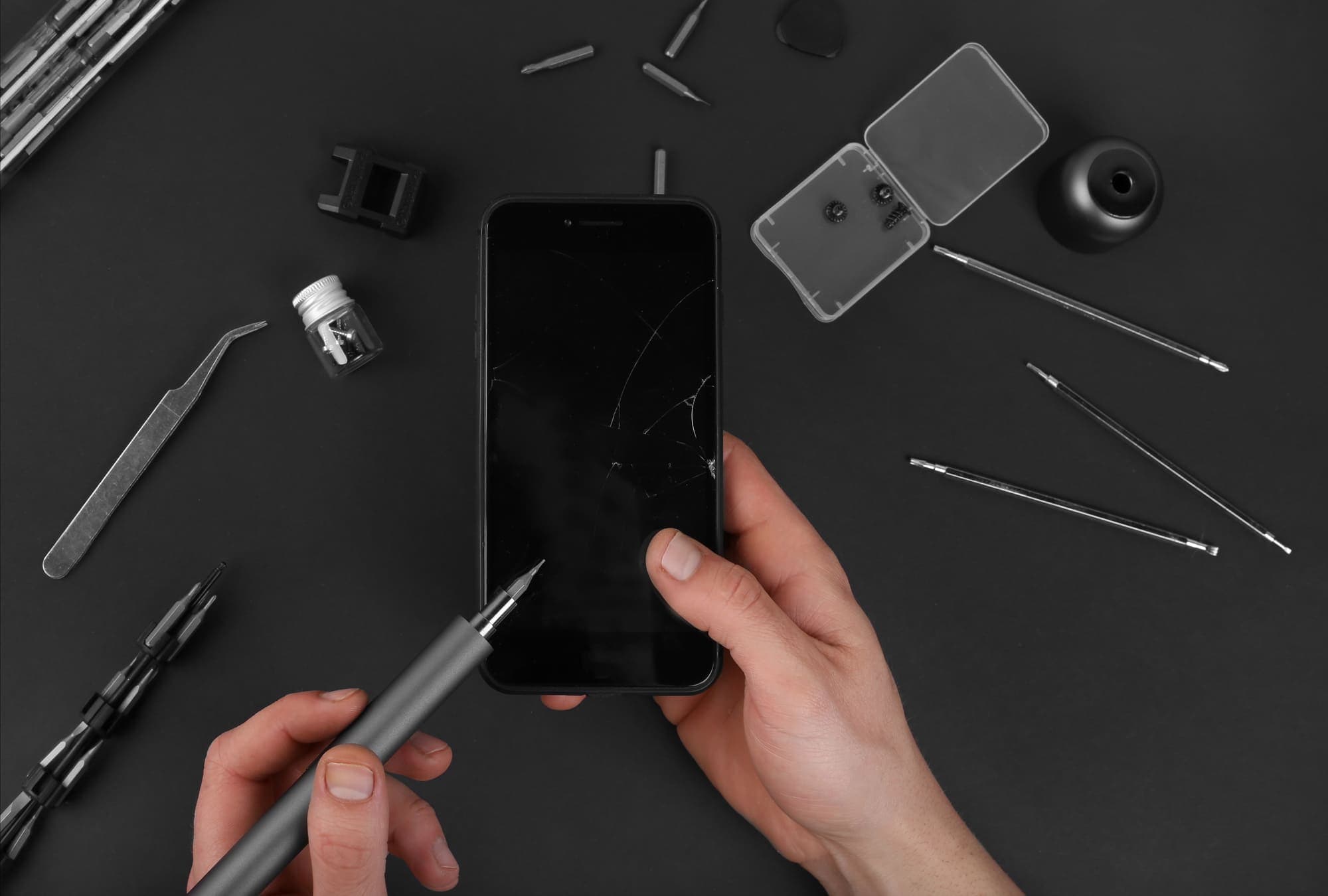
iPhone repairs we do in store
- Cracked glass and LCD screen replacement
- Battery replacement
- Charging port repair
- Rear and front camera repair
- Speaker and microphone repair
- Back glass repair
- Water damage repair*
*Water damage repairs are not guaranteed. Corrosion and other factors outside our control can affect how long the repair lasts.
iPhone screen repair: cracked glass or a damaged display?
A cracked iPhone screen is one of two problems. If the picture is clear and touch works everywhere, only the outer glass is broken. If you see lines, black or green blotches, flickering, a black screen while the phone still rings, or touch that stops responding or taps by itself, the display under the glass is damaged too. That display is an LCD on some models and an OLED on most newer ones.
Either way, we look at the phone first and tell you which repair it needs and what it costs before any work starts. Until then, a strip of clear packing tape over the cracks keeps glass splinters out of your fingers.
If the screen is lifting away from the frame, stop charging the phone. A swollen battery can push the screen out from underneath (see battery replacement below).
Most iPhone screens are done in under an hour
At our Schaumburg store, 831 E Algonquin Rd in Algonquin Plaza, and our Des Plaines store, 1635 E Oakton St, most iPhone screen replacements take under an hour, while you wait.
At Des Plaines, most iPhone battery jobs are done while you wait too.
Both stores are open Monday to Friday and close at 6 PM, so call first if you are coming in late in the day.
iPhone battery replacement
Signs the battery is worn out: the phone is dead by mid-afternoon, shuts off while it still shows charge left, slows down, or restarts on its own. Open Settings, then Battery, and look at Battery Health. It shows the battery's maximum capacity, and it shows a service message when the battery is due.
A swelling battery pushes the screen or the back glass outward. If you see a gap opening along an edge, stop charging the phone and bring it in.
In Des Plaines, most iPhone battery swaps are done while you wait.
iPhone charging port repair
A failing charging port shows up as a cable that falls out or only works at an angle, charging that keeps starting and stopping, very slow charging, or a computer that no longer sees the phone. iPhone 15 and later models have a USB-C port; earlier models use Lightning.
Try a second cable and charger first. If the phone charges on a MagSafe or other wireless charger but not on the cable, the battery is probably fine and the port is the likely cause. The alert "This accessory may not be supported" often points to a worn or uncertified cable, but a dirty or damaged port can trigger it too.
Two things look like a port fault but are not. Charging that pauses at 80 percent is usually Optimized Battery Charging, or the charge limit setting on iPhone 15 and later. A "Liquid Detected" alert means the phone found moisture in the port (see water damage below).
On many models the charging port shares a flex cable with the bottom microphone, so a damaged port can also make callers say you sound muffled.
iPhone camera repair
Signs of a camera fault: a black screen when you open the Camera app, photos that will not focus, a picture that shakes or buzzes, or spots and blur that cleaning the lens does not fix. We repair both the rear and the front camera.
A picture that shakes or buzzes usually means the image stabilizer inside the camera has failed, often after a drop or after strong vibration, such as a phone mount on a motorcycle.
iPhone speaker and microphone repair
Three parts handle sound: the earpiece at the top that you hold to your ear, the loudspeaker at the bottom for speakerphone, ringtones and music, and the microphones. If callers cannot hear you, it is usually a microphone. If you cannot hear callers unless you switch to speaker, it is usually the earpiece.
Before you come in, take the case off, make sure the phone is not connected to a Bluetooth headset or a car, and gently clean the speaker and microphone openings with a soft, dry brush. If that does not fix it, bring it in and we find which part has failed.
iPhone back glass repair
iPhone 8 and later models have a glass back so they can charge wirelessly. A cracked back usually still works, but the edges cut fingers and the cracks tend to spread.
How the repair is done depends on the model. On some recent models the back glass is built to come off on its own; on older ones it is bonded to the frame, which makes the job more involved. You get the cost for your model before we start.
iPhone water damage repair: what to do first
If your iPhone went into water or had a drink spilled on it, follow the steps below as soon as you can, then bring it in. The note under the repair list above explains what a water damage repair can and cannot promise. If the phone will not turn on and what you need is the photos and contacts, see data recovery from water-damaged devices.
A phone that still works but shows "Liquid Detected" or "Charging Not Available" when you plug it in is a different case. iPhone XS, XR and later models check the port for moisture and block charging while it is wet. Unplug the cable, tap the phone gently against your palm with the port facing down, and leave it somewhere dry with some air moving. Try the cable again after at least 30 minutes; the port can take up to a day to dry. No hair dryer, no compressed air and nothing pushed into the port, and use Emergency Override only in a real emergency, because it charges the phone with the port still wet. If the alert keeps coming back after a full day, bring it in: the port may be corroded or damaged.
If your iPhone went into water:
- Turn the phone off and leave it off. Don't keep switching it on to check it.
- Don't charge it, on a cable or on a wireless charger. Power running through a wet board speeds up corrosion.
- Skip the bag of rice. It does not reach the inside of the phone, and the dust it sheds collects in the ports.
- Bring it to either store the same day if you can.
Not sure which iPhone you have?
Open Settings, then General, then About: the model name is near the top, for example iPhone 13 mini. Send it with a repair request and a line about what is wrong, and we reply by text or email with a free quote.
Fixing something other than an iPhone? See Samsung and Android phone repair, iPad and tablet repair and MacBook repair.
How an iPhone repair works here
Bring the phone to Schaumburg or Des Plaines, Monday to Friday, 11 AM to 6 PM. No appointment needed, and both stores have on-site parking.
What happens at the counter:
- We find the real fault first.
- We tell you what it costs before any work starts. There is a diagnostic fee, and it goes toward the repair.
- You decide whether to go ahead.
- We do the repair.
Before you come in
If the phone still turns on, back it up first: to iCloud, or to a computer with Finder on a Mac or the Apple Devices app or iTunes on Windows. If the problem is charging, bring the cable you use.
Moving to a new iPhone instead? Apple's Quick Start copies most things from the old phone to the new one. If you would rather have a hand with it, phone setup is part of our in-store tech support at either store.
Common questions
- Do I need an appointment for an iPhone repair?
- No. Walk in to Schaumburg or Des Plaines, Monday to Friday, 11 AM to 6 PM. If you are coming late in the day, call first: Schaumburg 847-348-0264, Des Plaines 847-585-2355.
- How long does an iPhone screen replacement take?
- At both stores, most iPhone screen replacements take under an hour, while you wait. At Des Plaines, most battery jobs are done while you wait too.
- How much does an iPhone screen replacement cost?
- It depends on the model and the type of screen in it. The iPhone SE, XR, 11 and the iPhone 8 and earlier have LCD screens; the other models from the iPhone X on have OLED screens. Walk in and we tell you the cost before any work starts, or send a repair request online with the model and we reply with a quote. There is a diagnostic fee, and it goes toward the repair.
- My iPhone got wet. What should I do?
- Turn it off, don't charge it and don't put it in rice. Bring it to either store as soon as you can. If it only shows a Liquid Detected alert when you plug it in, unplug it and give the port up to a day to dry before you try again. Water damage repairs are not guaranteed.
- How do I back up my iPhone before a repair?
- If it still turns on, connect to Wi-Fi, open Settings, tap your name, then iCloud, then iCloud Backup, and tap Back Up Now. You can also back it up to a computer: Finder on a Mac, or the Apple Devices app or iTunes on Windows.
- Do your repairs come with a warranty?
- Yes, repairs come with a 90-day warranty. If something goes wrong with the repair within 90 days, bring it back to the store that did the repair. Water damage is the exception: water damage repairs are not guaranteed.
Our store locations
Lake Zurich Computer Services & RepairLake Zurich, IL
584 W State Rte 22Lake Zurich, IL 60047847-381-7960
- Mon – Fri: 9am – 5pm
- Sat: 9am – 2pm

Walk in, call, or request a repair
No appointment needed. We will look at your device and give you an honest quote before any work starts.